
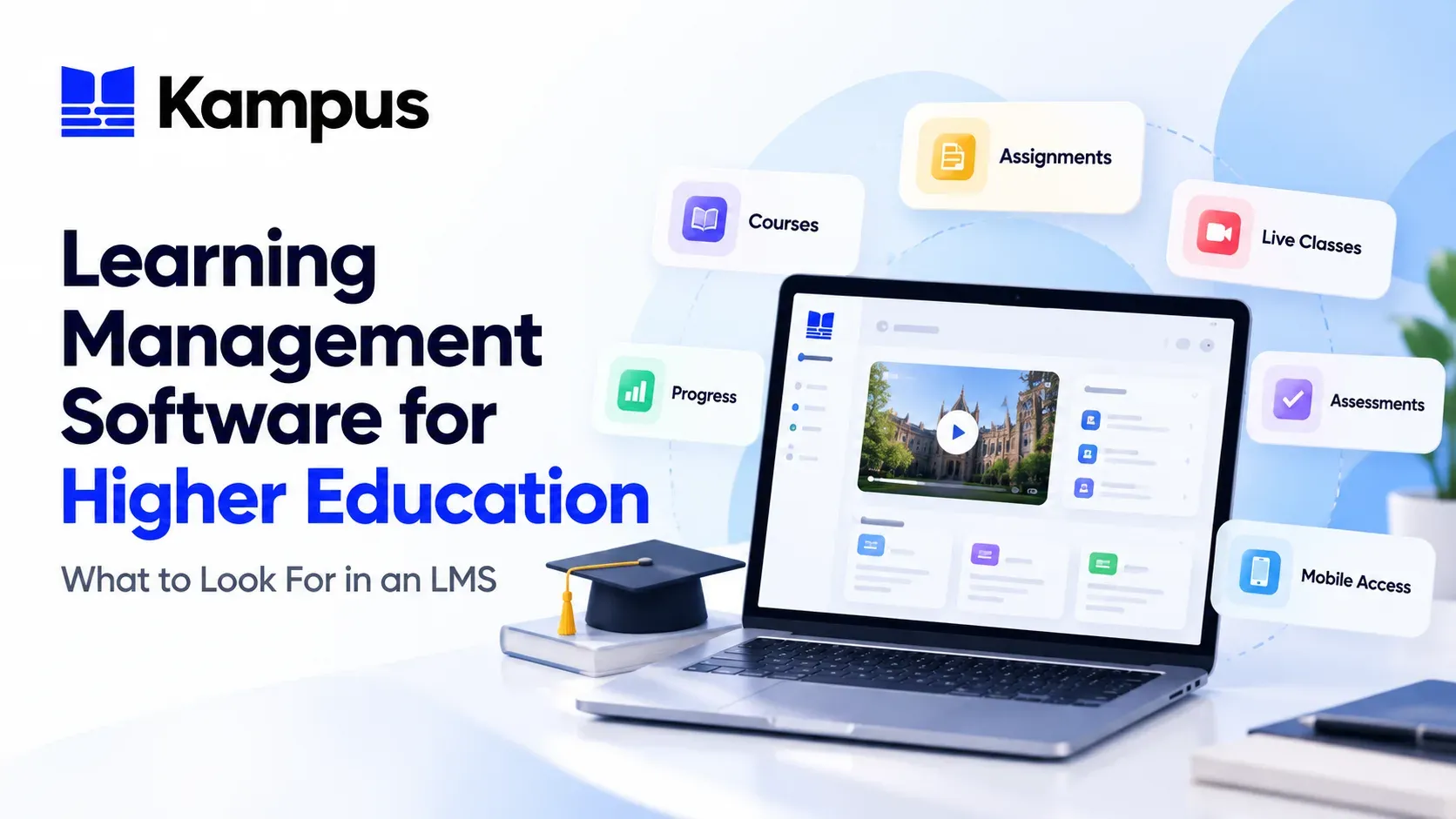
Learning Management Software for Higher Education: What to Look For in an LMS
Learning management software gives education institutions a structured way to deliver courses, assessments, live classes, learner communication, and progress tracking in one digital environment.
For higher education institutions, the important question is not simply whether a platform can host course content. The real evaluation is whether the LMS can support the way programmes are delivered, assessed, communicated, and connected with the rest of the institution’s systems.
This guide explains the core capabilities to look for when evaluating learning management software for higher education, using the published capabilities of Kampus Wave as a practical reference.
1. Course and content management
An LMS should give academic teams a clear way to structure courses and organise the resources learners need.
Kampus Wave supports structured courses with lessons, learning resources, videos, documents, activities, and completion rules. Delivery can be organised by programme, intake, cohort, or academic period.
When comparing LMS platforms, look beyond simple file hosting. The system should help educators create a coherent learning structure that reflects how your institution actually delivers programmes.
2. Assignments, quizzes, and grading
Assessment is a core part of learning delivery, so the LMS should support both the learner submission experience and the academic workflow behind it.
Kampus Wave includes assignments and quizzes, deadlines, grading rules, submission management, feedback, and learner grade records in one connected workflow.
For institutions evaluating an LMS, it is useful to check how assessment settings, marking, feedback, and grade records work together rather than treating each function as a separate feature.
3. Live online classes
Many institutions combine self-paced learning with scheduled online teaching. A practical LMS should keep those live sessions connected to the relevant course experience.
Kampus Wave supports Zoom and Google Meet integrations so institutions can schedule and manage live online classes. Learners can access session details from the course area, keeping live classes and learning activities together.
This is especially useful when institutions want a single learning environment rather than asking students to track class links separately from their coursework.
4. Learner progress and reporting
Learning management software should help academic teams understand how learners are progressing through their courses.
Kampus Wave supports reporting across participation, course completion, assessment performance, grades, and learner engagement. These reports are designed to help academic teams monitor progress and identify support needs.
When evaluating an LMS, check whether reporting is aligned with the learning activities that matter to your institution, not just generic login statistics.
5. Communication and collaboration
Learning platforms are more effective when communication happens close to the course content and activities learners are already using.
Wave includes announcements, course discussions, messages, calendars, reminders, and notifications. These tools help keep teaching teams and learners connected throughout the learning journey.
A useful LMS evaluation should therefore include communication workflows as well as course delivery and assessment.
6. Mobile access
Students increasingly expect to access learning from their phones as well as through a web browser. The exact mobile experience varies between platforms, so institutions should check what students can actually do on mobile.
Kampus Wave connects with Kampus Pulse to provide native iOS and Android access to courses, learning resources, live classes, assessments, announcements, and notifications.
Pulse extends the learning experience beyond the browser while keeping students connected to the same academic environment.
7. Professional exam workflows
Institutions delivering professional education may need more specialised assessment workflows than a general-purpose LMS provides.
Kampus Wave includes specialised CIMA and ACCA exam engines with question banks, timed practice, mock examinations, configurable marking, and exam-focused reporting.
If your institution delivers professional qualifications, this is an important area to examine during LMS selection because assessment requirements can differ significantly from standard course quizzes.
8. Roles, permissions, cohorts, and enrolment controls
An LMS used across multiple programmes needs administration controls that go beyond individual courses.
Wave supports roles, permissions, cohorts, course access, and enrolment rules. These capabilities help institutions centrally manage who can access specific learning environments and how learners are organised.
This becomes increasingly important as the number of programmes, teaching teams, and learner groups grows.
9. Integration with the Student Information System
An LMS manages the learning experience, while a Student Information System manages student administration. Institutions using both should evaluate how student, programme, and enrolment data move between the two environments.
Kampus Wave can operate as a standalone LMS or connect with Kampus Axis. Axis provides student information management across areas such as admissions, enrolment, programme structures, fees, timetables, and student records.
Axis also provides native bi-directional Moodle integration, including automatic synchronisation of enrolments, withdrawals, and module changes.
For a broader explanation of the SIS role, see What Is a Student Information System (SIS)? A Practical Guide.
10. Choosing an LMS based on your institution’s real workflows
Feature lists are useful, but they should not be the only basis for choosing learning management software.
Before evaluating vendors, map the workflows your institution needs to support. Useful questions include:
- How are courses structured and delivered?
- What types of assessments do academic teams use?
- Do you need Zoom or Google Meet within the learning environment?
- What learner progress information do staff need to see?
- Which communication tools should be available inside courses?
- What should students be able to access from mobile devices?
- Do professional programmes require specialised exam workflows?
- How should the LMS connect with student information and enrolment data?
- Which roles, cohorts, permissions, and access rules are required?
These questions help institutions evaluate whether an LMS fits their actual operating model rather than simply comparing the number of features on a product page.
Where Kampus Wave fits
Kampus Wave is the Learning Management System within the Kampus suite. Its published capabilities cover course and content management, assignments and grading, live Zoom and Google Meet classes, professional exam workflows, learner progress reporting, communication, mobile access through Kampus Pulse, and role-based learning administration.
Institutions can use Wave independently or connect it with Axis and Pulse as part of a wider Kampus implementation.
Explore the full Kampus Wave feature set or book a demonstration to review how the platform fits your institution’s learning delivery requirements.