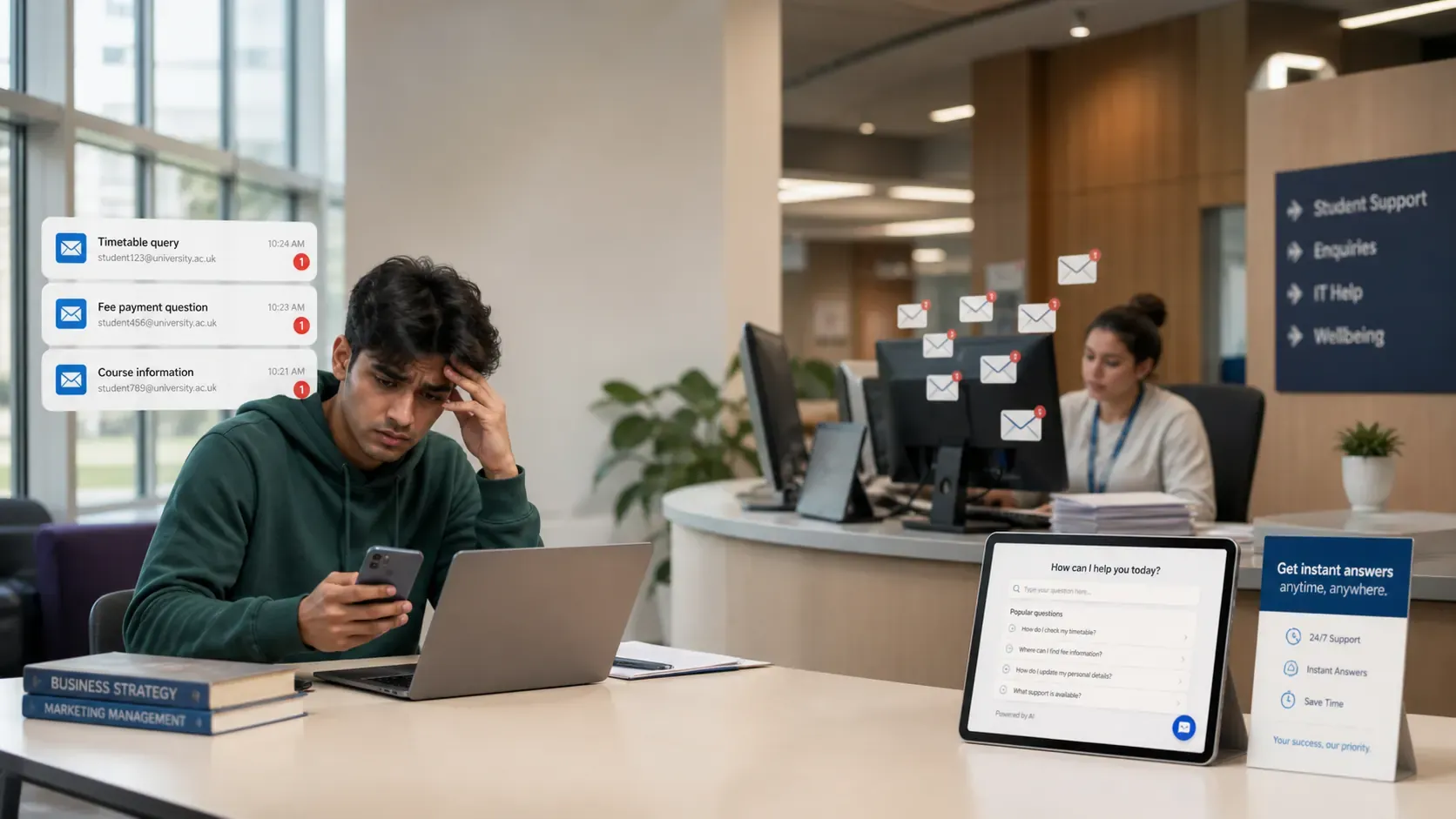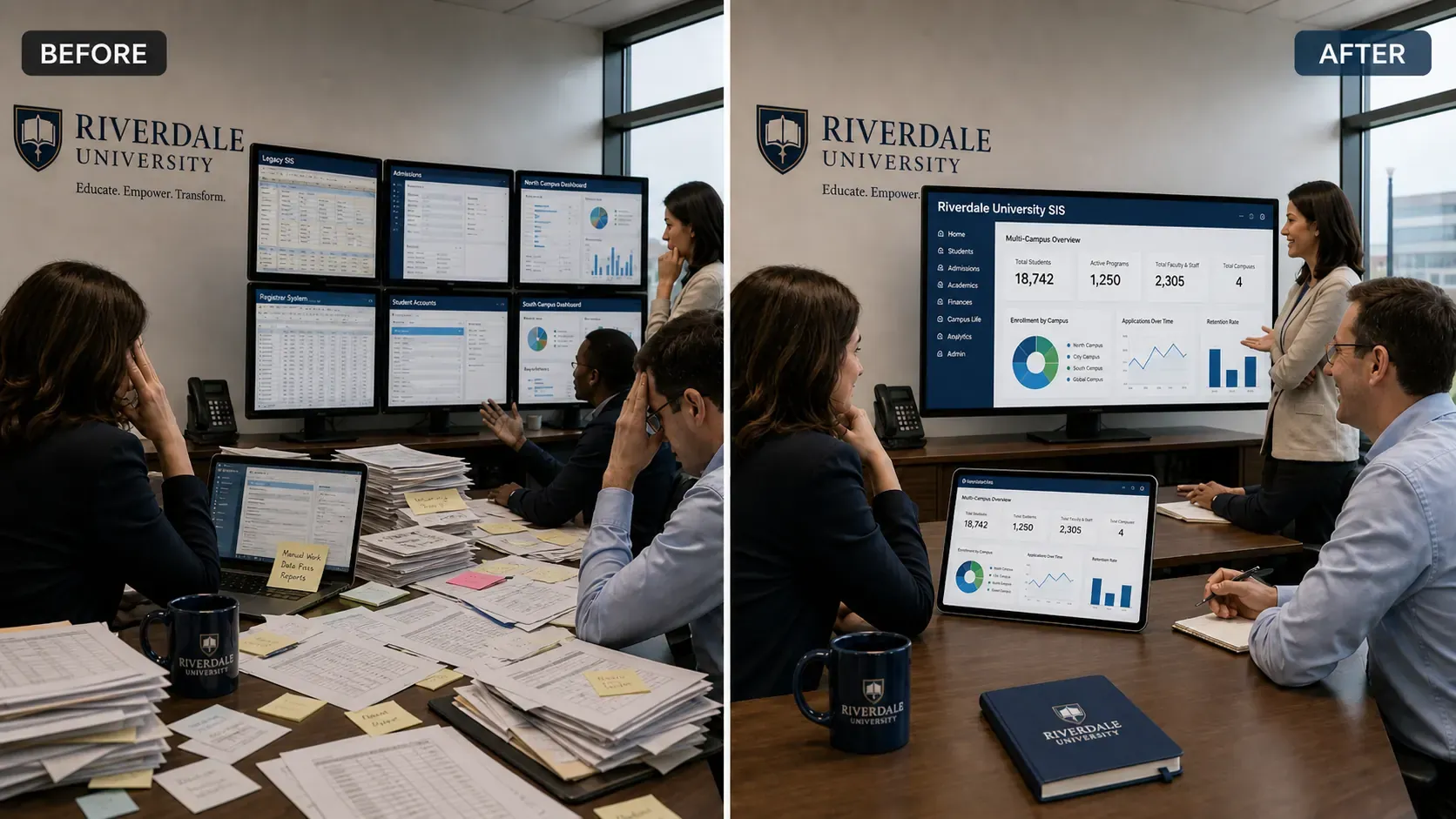

Student Information Systems have traditionally required users to learn the system’s menus, filters, forms, and reporting tools before they can get useful work done. Even when the data is available, answering a straightforward question or completing a routine administrative task can involve several screens, exports, and manual checks.
Kampus Axis takes a different approach. Through secure Model Context Protocol (MCP) connectivity, authorized users can connect compatible AI assistants such as ChatGPT to the institutional data and functions available to them in Axis. They can ask questions in natural language, generate useful outputs, and complete supported administrative actions through the same conversation.
This is what we mean when we describe Axis as an AI-ready Student Information System: not a chatbot added beside the SIS, but a controlled way for AI assistants to work with the institution’s actual data and operational workflows.
From Finding Information to Completing Work
The first benefit of an AI-connected SIS is faster access to information. Instead of building a report manually, a registrar or manager could ask:
- “How many students enrolled in the July intake?”
- “Compare enrolments across the last three intakes.”
- “Show applicants who have received an offer but have not paid the seat deposit.”
- “Which student profiles are missing required registration information?”
- “Summarize outstanding fees by programme.”
Axis can provide the authorized institutional context needed for the assistant to interpret the request and return a useful answer. The user does not need to know a database field name, remember where a report is located, or export several spreadsheets before asking a follow-up question.
But the larger opportunity begins when the assistant can also use approved Axis functions. A user can move from understanding a situation to acting on it without starting again in another part of the system.
For example, after identifying applications with incomplete information, an admissions officer could ask the assistant to prepare a follow-up list, draft the appropriate message, and send it to the selected applicants after review. A registrar reviewing student records could ask Axis to update a verified contact detail, assign students to the correct cohort, or apply an approved status change. A finance user could generate a payment follow-up list and initiate a supported communication workflow for the selected accounts.
The conversation becomes an operational workspace: ask, review, refine, confirm, and complete.
How Different Teams Can Use Axis with AI Assistants
Admissions and enrolment
Admissions teams manage a high volume of repetitive, status-driven work. With AI connectivity, authorized staff can find applications using ordinary language, summarize an applicant’s current position, identify missing documents, prepare offer-related communications, and perform supported updates.
A typical workflow could begin with:
“Show applicants for the September intake whose documents are complete but whose applications are still awaiting review.”
The user could then narrow the results by programme, ask for a summary, assign the selected records to an admissions officer, or move approved applications to the next permitted stage. Axis remains the system of record; the AI assistant provides a faster way to work with it.
Student records and data quality
Incomplete and inconsistent records create problems across every department. An authorized user could ask Axis to find missing contact details, inconsistent identification fields, duplicate-looking records, or students who have not completed a required registration step.
The assistant can help explain the issue, organize the records into a reviewable list, and apply approved corrections after the user confirms them. This makes data-quality work more continuous and manageable instead of a large cleanup exercise before every audit or reporting deadline.
Academic operations
Academic administrators could use natural language to explore programmes, curricula, module offerings, cohorts, and timetables. They could identify scheduling conflicts, find students affected by a change, prepare an impact summary, and complete supported updates through controlled Axis tools.
For example:
“Find timetable sessions affected by the room closure on Friday, suggest available rooms with enough capacity, and prepare the changes for approval.”
The assistant can do the searching and preparation, while the responsible user reviews the proposed changes before anything is published to staff or students.
Finance and student accounts
Finance teams can ask questions about invoices, receipts, payment status, fee plans, and outstanding balances without manually assembling a report first. They can segment results by programme, intake, campus, or due date and turn the findings into an action list.
Write actions in finance use stronger safeguards. The assistant may prepare a refund request, payment reminder, or approved account update, but the user’s role, Axis validation rules, and configured approval process determine whether the action can proceed. High-impact transactions require explicit review and confirmation.
Management reporting
Leadership teams often need answers that cross operational areas: enrolment performance, application conversion, fee collection, student progression, or activity by campus. AI assistants can help turn live Axis data into concise management summaries, comparisons, and decision-ready reports.
Instead of requesting a new spreadsheet for every follow-up question, a manager can continue the conversation:
“Compare this intake with the same period last year, explain the largest changes, and prepare a summary for the management meeting.”
The result is faster access to institutional intelligence without creating another disconnected reporting layer.
One Request Can Become a Controlled Workflow
Many administrative tasks are not single actions. They involve finding records, checking conditions, preparing changes, requesting confirmation, applying an update, and recording what happened.
Axis AI connectivity can bring these steps together. Consider this request:
“Find students in the March intake who have completed registration and payment but are not assigned to a cohort. Group them by programme, recommend the correct cohort, and assign them after I approve the list.”
To complete this safely, the assistant needs more than a search box. It needs structured access to the relevant Axis resources and tools, an understanding of the user’s permissions, validation of the proposed assignments, and a clear confirmation step before the records change.
MCP provides a standardized way for AI applications to connect with external data and executable tools. Axis uses that model to expose supported SIS capabilities in a structured form rather than giving an assistant unrestricted access to the application or database. You can read more in the Model Context Protocol specification.
Institutional Control Remains at the Centre
Natural-language access should make the SIS easier to use; it should not bypass the controls that make institutional systems trustworthy. Axis AI connectivity is designed around several safeguards.
Access follows the user
The assistant can only access the data and functions available to the authenticated user. A faculty administrator, finance officer, registrar, and institutional manager do not receive the same capabilities simply because they connect through the same AI platform.
No blanket access to student data
Connecting an AI assistant does not mean giving it unrestricted access to the institution. The institution determines which Axis resources and actions are enabled, and access can be scoped by role, campus, programme, department, or other applicable controls.
Validation before execution
Write actions pass through Axis business rules. Required fields, valid status transitions, fee rules, enrolment conditions, and other domain checks still apply. The assistant cannot turn an invalid change into a valid one simply by requesting it in natural language.
Confirmation for sensitive actions
Actions that affect records, money, access, or communication are presented clearly for review before execution. Users can see what will change, which records are affected, and what the expected result is before they approve the action.
Auditability
AI-assisted actions are recorded like other administrative activity, including the responsible user, the operation performed, the affected records, and the time of the change. This makes AI assistance part of the institution’s governed operating environment rather than an invisible side channel.
Axis, AI Connect, and Kampus Sense
Each part of the Kampus ecosystem has a clear role.
- Kampus Axis is the authoritative system for student information and institutional operations.
- Axis AI Connect provides secure, standards-based connectivity between supported Axis data and functions and compatible AI assistants.
- Kampus Sense provides purpose-built AI agents and intelligent workflows for education.
This separation matters. Institutions can connect the tools their teams already use while keeping Axis as the trusted system of record. They can also introduce specialized Sense agents where a repeatable, institution-managed AI workflow is the better fit.
What an AI-Ready SIS Changes for Institutions
An AI-ready SIS reduces the distance between a user’s intention and the work required to complete it. Staff spend less time navigating screens, rebuilding routine reports, and transferring information between systems. New team members can become productive faster because they can describe the outcome they need in ordinary language. Managers can explore live information without waiting for every follow-up report. Operational teams can move from insight to approved action in the same workflow.
The objective is not to remove institutional judgment. It is to remove unnecessary friction around that judgment.
With MCP connectivity and controlled write actions, Kampus Axis turns compatible AI assistants into a practical interface for student administration—one that can answer, prepare, and act while permissions, validation, confirmations, and audit trails remain in place.
See the AI-Connected SIS in Action
Kampus Axis manages the complete student lifecycle—from admissions and enrolment to finance, academic operations, and graduation—within one connected platform. Axis AI Connect extends that foundation so authorized teams can work with supported institutional data and workflows through compatible AI assistants.
Book a Kampus Axis demonstration to explore how AI-connected student administration can work for your institution.