
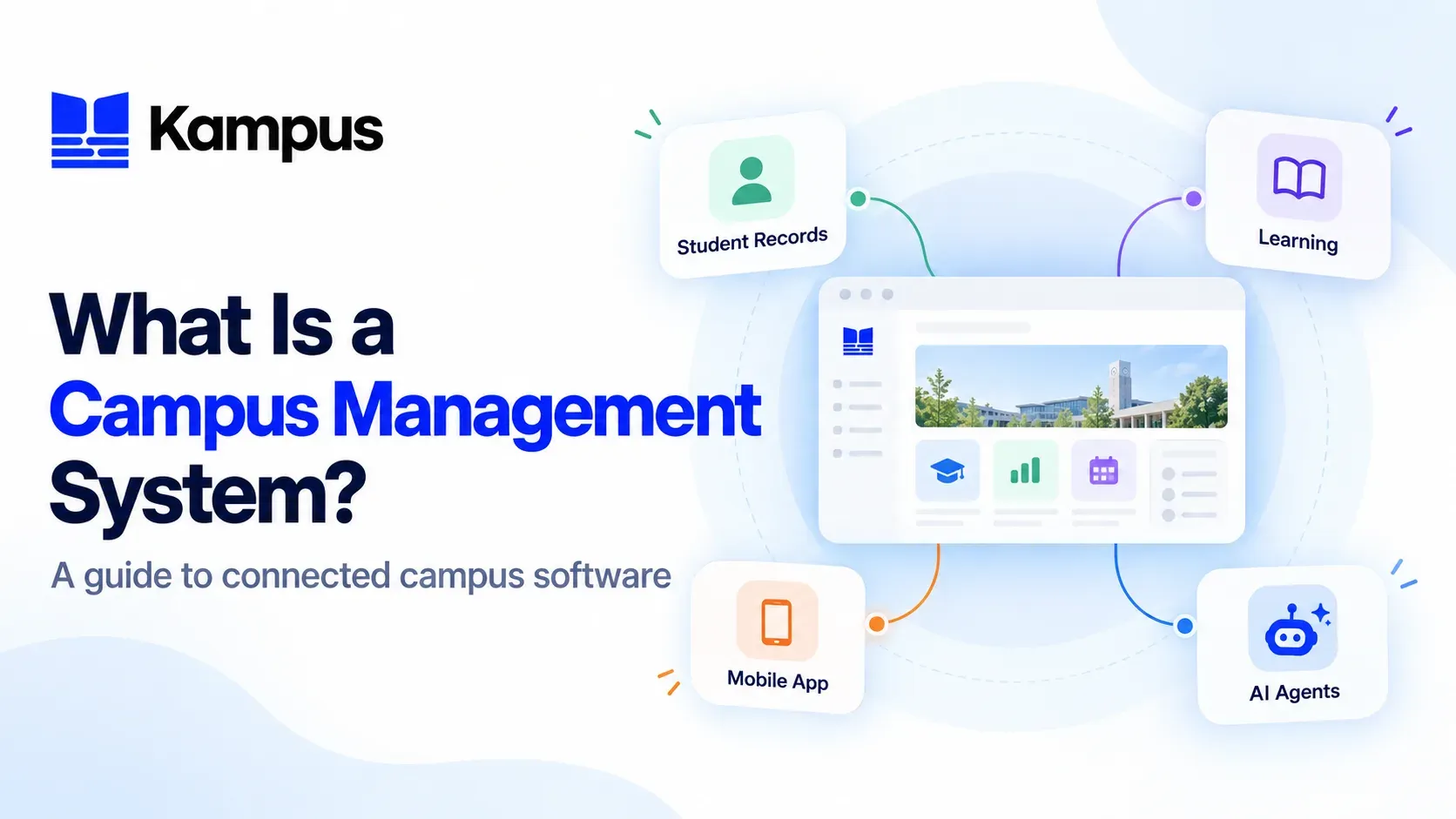
A campus management system is software for organising student administration and related institutional operations. In a connected campus setup, student information management works alongside learning delivery, student-facing services and other enabled tools, rather than being treated as an isolated administrative task.
The important distinction is between a single function and the wider campus environment. Recording an enrolment, delivering a lesson and giving a student mobile access are related activities, but they serve different purposes. Understanding those purposes makes it easier to decide which software your institution needs.
This guide explains that connected model using the published capabilities of the Kampus campus management suite: Axis for student information, Wave for learning management, Pulse for mobile access and Sense for AI agents. The product descriptions below explain what Kampus provides; the planning questions are practical guidance for evaluating your own requirements.
Campus management, SIS and LMS: understanding the difference
A Student Information System, or SIS, focuses on student administration. A Learning Management System, or LMS, focuses on teaching and learning. Campus management is the broader operational view: how those functions work together and how students and staff access them.
In Kampus, the suite is organised into distinct products with defined roles. That does not mean an institution must introduce every product at once. It means you can distinguish the administrative foundation from learning delivery, the mobile experience and optional AI workflows when planning an implementation.
Axis: the student administration foundation
Kampus Axis is the SIS. Its published capabilities include admissions and enrolment workflows, programme and curriculum management, fee plans, invoicing, timetabling and a student self-service portal. It also provides staff roles, permissions and administrative audit logs.
These are the operational records and processes around a student's relationship with the institution. For example, a programme enrolment belongs to student administration, while the lessons and assignments associated with that programme belong to the learning environment.
For a closer look at this part of the suite, read What Is a Student Information System (SIS)? A Practical Guide.
Wave: the teaching and learning environment
Kampus Wave is the LMS. It supports structured courses, learning resources, assignments, quizzes, grading, communication and learner progress reporting. Its published integrations include Zoom and Google Meet for live classes.
Wave can operate as a standalone LMS or connect with Axis for student, programme and enrolment data. This is the distinction to keep in mind: Wave delivers the learning experience, while Axis manages the associated institutional administration.
The guide to learning management software for higher education explores the LMS capabilities in more detail.
Pulse: the student mobile experience
Kampus Pulse provides an institution-branded mobile app on iOS and Android. Its published feature set includes access to courses, live classes, messaging, course fee payments, notifications and GPS-verified attendance.
Within a connected campus setup, the mobile app is a way for students to access supported services. It is not a substitute for defining how enrolments, courses or fee records are managed behind those services. Wave's product information specifically describes native mobile access through Pulse to courses, resources, live classes, assessments and announcements.
Sense: configured AI agents for learning workflows
Kampus Sense provides a no-code AI Agent Builder and an LMS Agent Executor. Its agent catalogue includes exam markers, revision tutors, module summarisers, mock exam engines, FAQ bots and custom agents.
Agents can be configured with their own knowledge bases, rubrics and scope. Sense also documents approval queues, audit trails and usage visibility. Lecturer approval before releasing marking results is configurable; introducing an agent should therefore include a decision about its materials, permitted task and review process.
Sense has a different role from Axis's AI-ready connectivity. Sense configures agents for learning workflows, while Axis connects authorised SIS data and supported functions with compatible AI assistants. They should not be treated as interchangeable capabilities.
What does connected campus software look like in practice?
The connections between products matter as much as the individual features. A useful way to understand the suite is to follow the hand-off from administration to learning, then from learning to student access and review.
From an application to the relevant learning environment
Axis provides a configurable admissions and enrolment pipeline. Its published Moodle integration covers enrolments, withdrawals and module changes, while Wave can connect with Axis for student, programme and enrolment data.
The Axis release entry LMS Enrolments, Fee Plans & Exports also documents enrolment from programme mappings, reconciliation of existing records and enrolment-status visibility. These are specific integration functions, rather than a general promise that every field in every product automatically synchronises.
When reviewing the Axis feature set, ask the team to demonstrate the programme mappings and enrolment changes your institution uses. That makes the connection between the SIS and LMS concrete.
From course delivery to student access
Wave organises course content, learning activities, assessments and live classes. Pulse extends supported learning functions to a native mobile app. The products therefore address different parts of the same experience: preparing and delivering learning, then making it available to students.
For your implementation review, choose a real course and identify the resources, sessions and assessments students need to reach. Check the relevant web and mobile workflows instead of assuming that the presence of a mobile app means every administrative function is available on a phone.
From learning activity to reporting and review
Wave provides participation, completion, assessment and grade reporting. Sense adds configured AI workflows such as revision support or rubric-based exam marking, including the option to require lecturer approval before results reach students.
Treat reporting and AI review as separate responsibilities in your operating plan. Decide who reviews learner progress, who maintains an agent's knowledge base and who approves assessment outputs. The presence of an AI feature is not, by itself, a decision about academic oversight.
Access controls are part of the setup
Connecting products does not mean giving every user the same access. Axis supports custom roles and granular permissions, with a dedicated database for each institution. Wave provides roles, permissions, cohorts and course-access controls. Sense provides per-agent scope settings and configurable review workflows.
Use those documented controls as the starting point for an access review. Identify which staff members need admissions records, finance functions, course administration or AI configuration, and confirm the appropriate permissions in the products they will use. Keep the discussion specific to those functions rather than assuming one permission setting covers the entire suite.
Start with the workflow you need to improve
Kampus's published suite guidance allows institutions to begin with Axis and connect Wave, Pulse or Sense when they are ready. Wave also explicitly supports standalone operation.
For implementation planning, begin by describing the work that needs to be supported. Admissions, enrolments and fee administration point to the SIS. Course delivery and assessment point to the LMS. A branded student app addresses mobile access. Configured tutors or marking workflows are a separate AI-agent requirement.
Before agreeing the scope, answer three practical questions:
- Which product manages each record or activity? Name the system responsible for applications, enrolments, courses, grades and student-facing access.
- Which connections need to be demonstrated? Identify the programme mappings, enrolment changes and mobile workflows relevant to your institution.
- Who controls access and review? Assign responsibilities for staff permissions, course administration and any AI-assisted assessment workflow.
These questions turn a broad request for campus management software into a defined implementation scope. They also make it easier to separate current requirements from products or workflows you may introduce later.
Explore the connected Kampus suite
Kampus brings student information management, learning delivery, mobile access and AI agents into a connected product suite. Axis, Wave, Pulse and Sense each have a distinct role; the appropriate combination depends on the workflows and integrations included in your institution's setup.
Book a Kampus demonstration to walk through those connections using your institution's programmes, enrolment processes and learning requirements.